There is a version of this project that is not worth doing. If you need browser rendering for a handful of URLs, pointing Playwright at a local binary and running it is fine. If you need to scale to thousands of requests and you want someone else to manage infrastructure, fingerprinting, proxies, and binary maintenance, Zyte API's headless browser handles all of that without any of what follows. If what you actually want is to keep writing Playwright automation, clicks, fills, waits, and all, but stop running the browser yourself, Zyte CDP is the more direct match for this post's architecture specifically, and I come back to that toward the end.
But if you want to understand exactly how a browser scraping service works at the infrastructure level, or you have a steady workload that you want running on hardware you already own, building one yourself teaches you things that matter. This article documents what that build required, the decisions behind each part of it, and the places where I would reach for Zyte API instead.
The architecture: separating the browser from the code that drives it
The foundational decision is understanding that Playwright is a control library, not a browser. It speaks Chrome DevTools Protocol (CDP) to whatever binary you point it at, and the binary is entirely separate from the library. This distinction is what makes a remote browser service possible.
1# Local: Playwright launches and manages the browser itself
2browser = await p.chromium.launch()
3
4# Remote: Playwright connects to a browser running elsewhere
5browser = await p.chromium.connect("ws://192.168.1.100:3000")
6
7# From here, the API is identical
8context = await browser.new_context()
9page = await context.new_page()
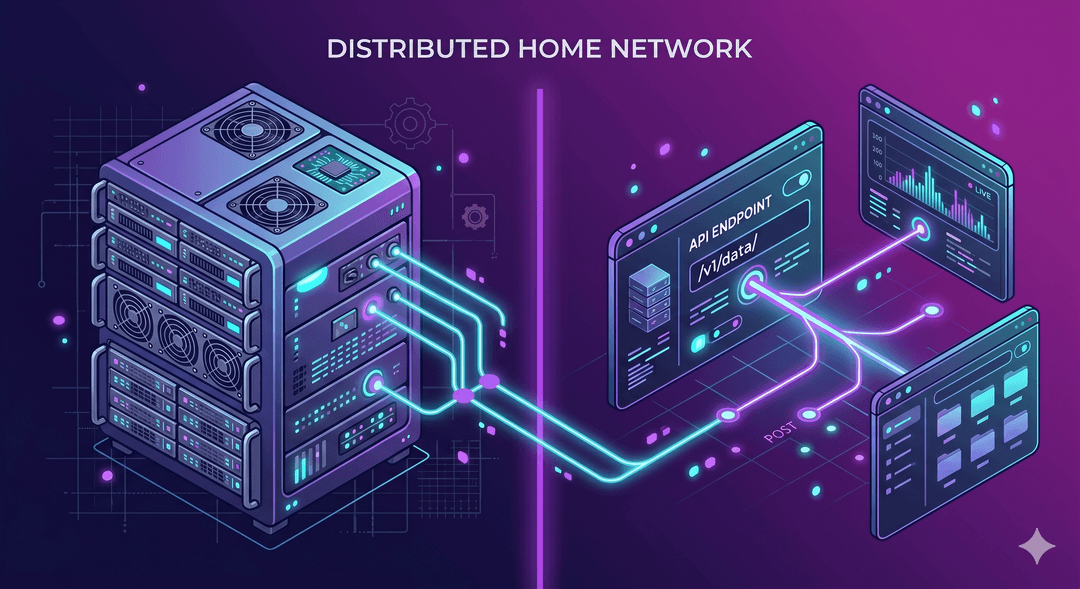
10await page.goto("https://example.com")When you call playwright.connect(), the library stays on your machine and the browser runs on the server. Your scraping scripts become clients of a persistent browser service, which means multiple projects can share one browser instance, and the hardware running the browser can be completely separate from the hardware running your code.
That's worth sitting with for a second, because it's the exact same connection model behind Zyte CDP, just pointed at infrastructure you don't have to run. Swap the WebSocket URL above for browser.zyte.com with your API key in the auth header, and every line after that connect call, contexts, pages, routing, waits, stays the same. I wrote about that connection specifically in Running Playwright at scale: connecting to the Zyte CDP browser. The rest of this post is what you take on when you point that same call at a machine you own instead.
The finished setup is four things working together: a patched Chromium binary (CloakBrowser), a virtual framebuffer so the browser runs headed on a machine with no display (Xvfb), the Playwright server process that accepts WebSocket connections, and Docker with supervisord managing the whole thing.
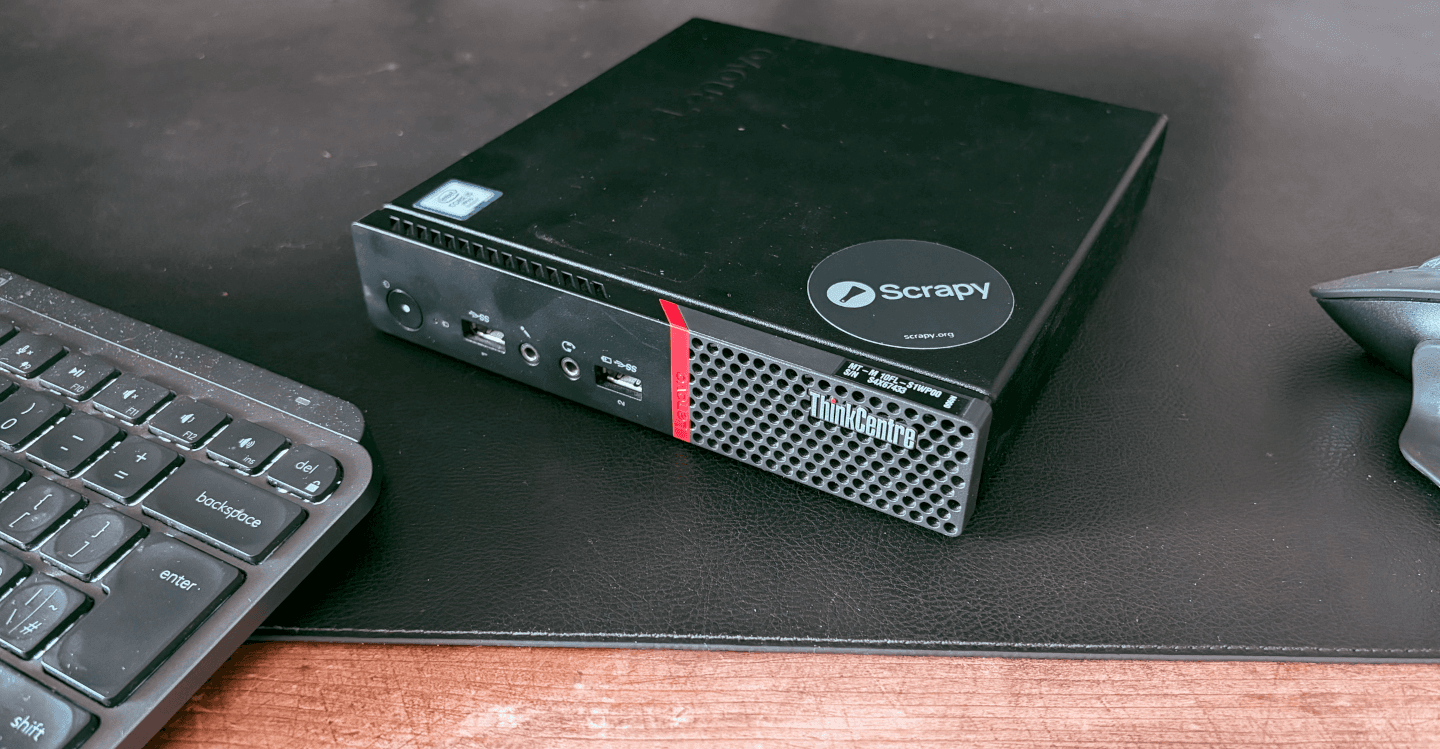
I am running this on a HP ProDesk 405 G6 with a Ryzen 4650G and 32GB of RAM. It is a small form factor desktop that draws very little power, runs Linux natively, and handles 16 concurrent browser contexts without difficulty.
Why the choice of binary matters
When a browser is put into automation mode, it is supposed to advertise that fact. navigator.webdriver = true is in the W3C WebDriver spec, not an incidental side effect of Playwright. Detection is not finding a bug in your setup; it is reading a flag the spec requires.
The detection surface has three distinct layers. At the JavaScript level there are visible properties: navigator.webdriver, the shape of navigator.plugins, and the presence or absence of window.chrome. These can be overridden before the page loads, but the overrides are detectable because the property descriptor and prototype chain look different from what a native property would produce. At the binary level there are internal automation flags and the CDP debugging port being open on localhost, which pages can probe via timing differences in connection failures. At the network level, TLS handshake characteristics and HTTP/2 settings are compiled into the browser's network stack and cannot be changed from JS or from Playwright settings.
1# navigator.webdriver in a standard Playwright browser
2> navigator.webdriver
3true
4
5# In a patched binary, the property is removed at the source
6> navigator.webdriver
7undefinedProjects like CloakBrowser patch Chromium at the C++ level before compilation, which means the signals are never emitted rather than overridden after the fact. A JS-level patch leaves something to detect; a binary-level patch does not. This is the reason patched binaries exist rather than simply using playwright-stealth or similar libraries.
Getting CloakBrowser into the container requires a specific step: Playwright maintains two Chromium slot directories, and you need to replace both.
1# Replace both the full Chromium slot and the headless shell slot
2RUN npx playwright install chromium \
3    && SLOT=$(ls /root/.cache/ms-playwright/ | grep '^chromium-') \
4    && CHROME_DIR="/root/.cache/ms-playwright/$SLOT/chrome-linux64" \
5    && rm -rf "$CHROME_DIR" \
6    && cp -r /browsers/chromium/. "$CHROME_DIR/" \
7    && chmod +x "$CHROME_DIR/chrome" \
8    # Playwright prefers the headless shell for headless mode
9    # Replace this slot too or Playwright will ignore your patched binary
10    && HS_SLOT=$(ls /root/.cache/ms-playwright/ | grep '^chromium_headless_shell-') \
11    && HS_DIR="/root/.cache/ms-playwright/$HS_SLOT/chrome-headless-shell-linux64" \
12    && rm -rf "$HS_DIR" \
13    && cp -r /browsers/chromium/. "$HS_DIR/" \
14    && mv "$HS_DIR/chrome" "$HS_DIR/chrome-headless-shell" \
15 && chmod +x "$HS_DIR/chrome-headless-shell"The second slot (chromium_headless_shell) is what Playwright uses when it runs in headless mode. If you only replace the first slot, Playwright silently falls back to its bundled binary and your patched version is never used. This took several hours to diagnose, and the only way to catch it was watching ps aux during an active browser session to read the actual binary path in the process arguments.
Why headed mode, and why that requires Xvfb
Headless mode is one of the more reliable detection signals available. The browser reports different screen properties, WebGL behaves differently, the font rendering pipeline changes, and the User-Agent string typically contains HeadlessChrome rather than Chrome. The fingerprint for headless Chromium has been studied for years by antibot vendors.
Running the browser headed via Xvfb (X Virtual Framebuffer) removes this entire category of signal. Xvfb provides a virtual display that the browser renders into without needing a physical monitor. The browser has no idea it is running on a headless machine; its screen properties, rendering pipeline, and UA string all reflect a genuine headed session.
1# Install Xvfb alongside browser dependencies
2RUN apt-get install -y xvfb
3
4# Set the display environment variable
5ENV DISPLAY=:99The Playwright server startup script starts Xvfb on display :99 before launching the server:
1#!/bin/bash
2export DISPLAY=":99"
3export PLAYWRIGHT_CHROMIUM_USE_HEADLESS_NEW=0
4export PW_TEST_HEADED=1
5exec npx playwright run-server --port 3000 --host 0.0.0.0The tradeoff is slightly higher memory per context compared to headless mode. On 32GB of RAM running 16 concurrent contexts, this is not a practical constraint on this machine. It's worth being specific about that qualifier, because I've since hit the other side of it: running several headful contexts concurrently against a different, heavier target locked up hard enough to need killing the process, with no timeout ever firing. One headful context at a time was fine; a handful at once wasn't, on the same class of hardware. I wrote up exactly what happened in One Scrapy Spider, Three Browser Setups. The honest version of this section is that headed-mode concurrency has a ceiling, and where that ceiling sits depends on the target and the hardware in ways that are hard to predict until you hit them.
Why supervisord rather than a simpler process setup
A browser service is not one process. It is Xvfb, the Playwright server, and eventually many browser child processes. Docker's default model is one foreground process per container, which does not fit. A shell script with basic process management works until something crashes out of order; supervisord handles ordering, monitoring, and restart behavior cleanly.
1[program:xvfb]
2command=Xvfb :99 -screen 0 1920x1080x24 -ac
3autorestart=true
4priority=10
5
6[program:playwright]
7command=/start-playwright.sh
8autorestart=true
9priority=20
10startsecs=3
11stdout_logfile=/var/log/supervisor/playwright.log
12stderr_logfile=/var/log/supervisor/playwright.logThe priority ordering ensures Xvfb is running before Playwright starts. If either process crashes, supervisord restarts them in the correct sequence. One detail worth noting: environment variables set in supervisord's environment directive do not reliably propagate into child processes. The Playwright startup script sets them directly with export to avoid this.
Concurrency: one browser instance, many contexts
A single browser instance runs multiple isolated contexts. Each context has separate cookies, separate session storage, and separate state, so contexts behave like independent browser profiles sharing one process. For most scraping workloads, one instance with a pool of contexts is the right model: you avoid the startup cost of launching a new process for each request while maintaining clean isolation between sessions.
The async queue pattern works well here. Workers pull URLs from the queue, create a context, scrape, close the context, and immediately pick up the next URL. A 403 response requeues the URL with a backoff delay and frees the worker to continue with other jobs.
1async def worker(worker_id, browser, queue, results):
2    while True:
3        url, attempt = queue.get_nowait()
4        result, should_retry = await scrape(browser, url)
5
6        if result:
7            results.append(result)
8        elif should_retry and attempt < MAX_RETRIES:
9            await asyncio.sleep(2 * attempt)
10            await queue.put((url, attempt + 1))
11
12        queue.task_done()
13
14# Spin up N workers against the same browser instance
15semaphore = asyncio.Semaphore(CONCURRENCY)
16workers = [
17    asyncio.create_task(worker(i, browser, queue, results))
18    for i in range(CONCURRENCY)
19]
20await queue.join()Proxy credentials go in new_context() per context, not at the browser level. Using residential proxies with sticky sessions means the same exit IP handles the full page load and all subresource requests, which matters for sites that correlate requests within a session.
1context = await browser.new_context(
2    proxy={
3        "server": "http://proxy-provider:port",
4        "username": "your-username",
5        "password": "your-password",
6    },
7    locale="en-US",
8    timezone_id="America/New_York",
9    viewport={"width": 1920, "height": 1080},
10)
11
12# Block unnecessary resource types to reduce proxy bandwidth
13await context.route(
14    "**/*",
15    lambda route: route.abort()
16    if route.request.resource_type in ("image", "media", "font", "stylesheet")
17    else route.continue_()
18)Blocking images, fonts, and stylesheets at the context level cuts proxy bandwidth significantly without affecting the data you are trying to extract. At 16 concurrent contexts on the ProDesk, throughput is limited by proxy response time rather than CPU or memory.
What this setup requires of you
The list of things you need to manage and maintain: binary updates as antibot vendors adapt to CloakBrowser, Docker image rebuilds when Playwright updates and the slot structure changes, proxy provider accounts and rotation logic, Xvfb stability under load, supervisord configuration, and the ongoing work of tuning context settings for new target sites.
This is not a set-it-and-forget-it infrastructure. It is a platform that requires active maintenance, and the engineering time that goes into it is real. As the challenges of scaling Playwright and Puppeteer make clear, the operational surface of a browser scraping operation grows quickly once you move beyond a single machine.
When Zyte API is the better answer
For many use cases, Zyte API removes the operational overhead described above entirely. Zyte API's headless browser is a purpose-built scraping browser with proxy management, session handling, and unblocking built in. You make a request, you get a rendered page. The binary maintenance, the fingerprint tuning, the proxy rotation, and the infrastructure management are handled for you.
The comparison with a self-hosted setup comes down to three questions.
Scale and cost. At low to medium volume, a home server with existing hardware costs only proxy fees and electricity. At high volume, the per-request pricing of a managed service can be more economical than the engineering time required to maintain and scale your own infrastructure.
Maintenance tolerance. Antibot vendors update their detection logic continuously. Staying ahead of them with a self-hosted binary means tracking binary releases, testing against real targets, and rebuilding regularly. Zyte API abstracts this.
Integration depth. If you are already working in the Scrapy ecosystem, Scrapy Cloud and the Zyte API Scrapy integration give you a managed pipeline with monitoring, scheduling, and data delivery. Building the equivalent from scratch on self-hosted infrastructure is a significant project.
Zyte CDP: keeping your Playwright code, not just the browser
Zyte API's headless browser above is a request/response model: you send a URL and options, you get back a rendered page. That's a different shape from what this post's architecture is built around, Playwright driving a persistent browser with page.click(), page.fill(), multi-step flows, and state that carries across steps. Zyte CDP is the option that matches this post's actual code, because it's the same connect() call from the architecture section above, pointed at Zyte's browser instead of your own.
If you're already doing this through Scrapy rather than a standalone script, scrapy-playwright's PLAYWRIGHT_CDP_URL setting wires this in without a custom provider class, since the default provider already knows how to connect_over_cdp. I ran that comparison, stock Playwright, a local Patchright provider, and Zyte CDP, against the same spider in One Scrapy Spider, Three Browser Setups, and it's also where the concurrency ceiling mentioned earlier showed up. Zyte CDP doesn't remove the need to write good Playwright automation. It removes the four things this whole post is actually about maintaining: the patched binary, Xvfb, the process supervisor, and the ceiling on how many headed contexts one machine can run at once.
A working self-hosted setup with a patched binary, residential proxies, and 16 concurrent contexts gets through a meaningful range of real targets. For targets that require it and for workloads that justify the maintenance overhead, it is a legitimate option. For everything else, start with Zyte API for free and skip the part where you watch ps aux for 30 minutes trying to figure out why Playwright is launching the wrong binary.
The repo
The complete setup, including the Dockerfile, docker-compose configuration, and supervisord setup, is available at my repo here. CloakBrowser is sourced separately from their releases page and is not included in the repository. The Dockerfile handles replacing both Playwright Chromium slots with the patched build once you have the tarball in place.