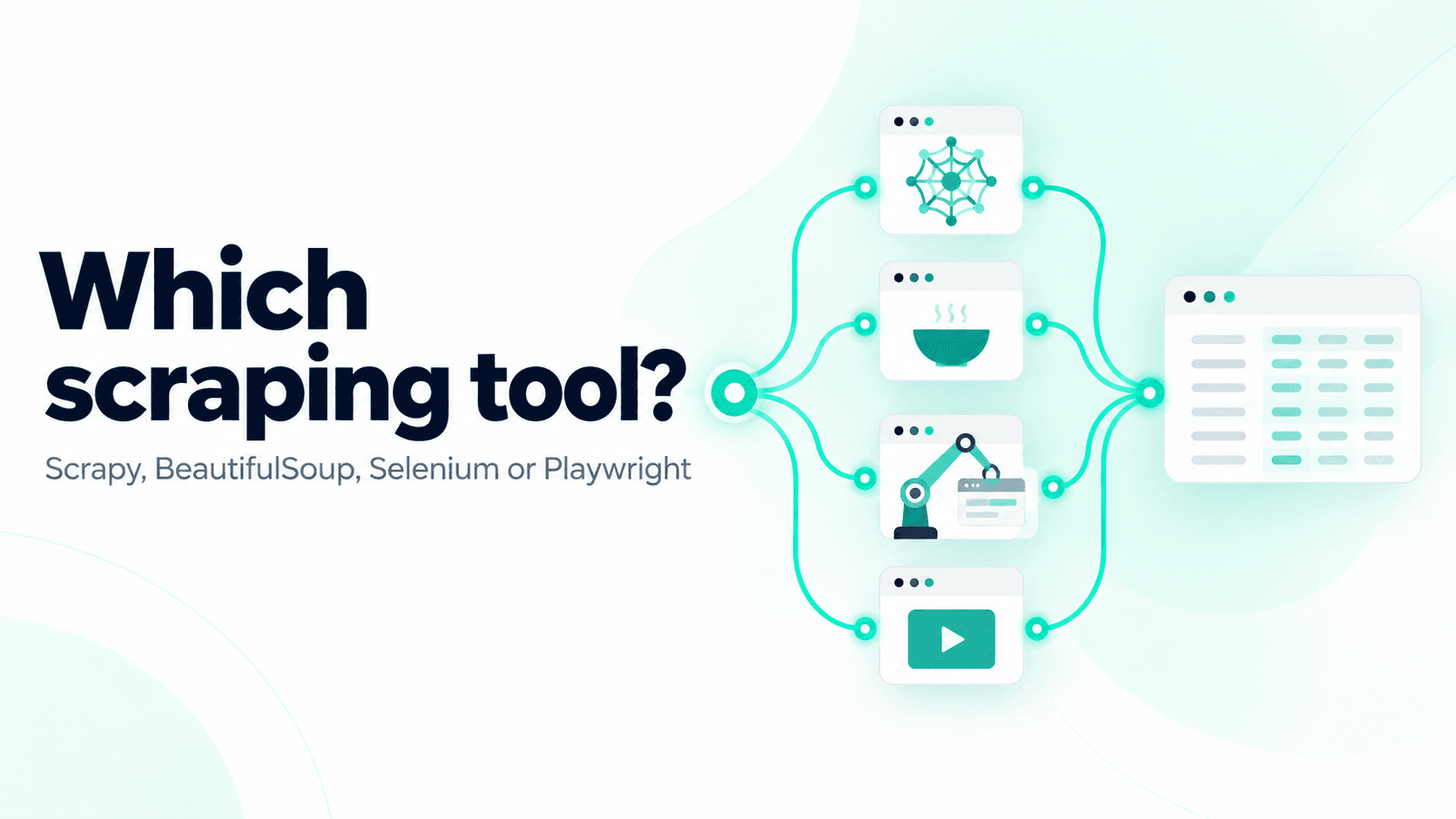
These four names come up in almost every conversation about scraping with Python, usually presented as if they were competitors, when they do quite different jobs. BeautifulSoup reads HTML, Selenium and Playwright drive a web browser, and Scrapy is a framework that manages a whole crawl, so comparing them directly is a bit like comparing a spreadsheet, a car and a delivery company. The question worth asking is which job you have, and the tool follows from that.
This guide explains what each tool does, shows the same small scraper written with each one, and ends with a short decision guide. I ran every example against books.toscrape.com and quotes.toscrape.com/js, practice sites Zyte runs for people learning to scrape.
The short version
| BeautifulSoup | Scrapy | Playwright | Selenium | |
|---|---|---|---|---|
| What it is | HTML parser | Crawling framework | Browser automation library | Browser automation library |
| Downloads pages? | No, pair it with requests or httpx |
Yes | Yes, through a real browser | Yes, through a real browser |
| Runs JavaScript? | No | No, unless you add a plugin | Yes | Yes |
| Speed and resource use | Fast and light | Fast and light, many requests at once | Slower, heavy | Slower, heavy |
| Learning curve | Lowest | Moderate | Low to moderate | Moderate |
| Best for | One-off scripts, small jobs, learning | Recurring crawls of many pages or sites | JavaScript-heavy pages, forms, scrolling and clicks | Existing Selenium code, cross-browser testing |
BeautifulSoup: a parser that needs a downloader
BeautifulSoup takes HTML you already have and lets you search it. It does not download anything, so most people pair it with requests:
1import requests
2from bs4 import BeautifulSoup
3
4response = requests.get("https://books.toscrape.com/", timeout=30)
5soup = BeautifulSoup(response.content, "html.parser")
6for card in soup.select("article.product_pod"):
7 print(card.select_one("h3 a")["title"], card.select_one("p.price_color").get_text())Choose it when you are learning, when you need a quick script for a few hundred pages, or when you already have HTML from somewhere else, a file, an API or another tool. Its API is forgiving and easy to read, and because it is only a parser, there is little to go wrong.
It gets harder as the job grows. Pagination, retries, concurrency, rate limiting, deduplication and exporting are all yours to write, and on a large crawl you end up rebuilding pieces of a framework by hand. It cannot run JavaScript, so it cannot see content that a browser builds after the page loads.
Related: BeautifulSoup tutorial: scrape a website with Python
Scrapy: a framework for whole crawls
Scrapy handles the whole pipeline, downloading pages, scheduling and deduplicating requests, retrying failures, respecting delays and concurrency limits, following links and exporting items to JSON, CSV or a database. You write a spider that says what to extract and which links to follow, and Scrapy runs it:
1import scrapy
2
3
4class BooksSpider(scrapy.Spider):
5    name = "books"
6    start_urls = ["https://books.toscrape.com/"]
7
8    def parse(self, response):
9        for card in response.css("article.product_pod"):
10            yield {
11                "title": card.css("h3 a::attr(title)").get(),
12                "price": card.css("p.price_color::text").get(),
13                "url": response.urljoin(card.css("h3 a::attr(href)").get()),
14            }
15 yield from response.follow_all(css="li.next a", callback=self.parse)1pip install scrapy
2scrapy runspider books_spider.py -O books.jsonThat spider follows all 50 pages and exports 1,000 books, and the pagination, retries and export are one line each rather than a loop you maintain. Scrapy also sends many requests in parallel by default, so on a crawl where it can visit many URLs at once, product pages for example, it is much faster than a simple requests loop.
Choose it when you are crawling many pages or many sites, running the same scraper on a schedule, or need the retries, throttling and monitoring that production scrapers depend on. Zyte's own engineers maintain it and use it.
It is more than you need for a five-line script, because a framework asks you to learn its structure first. On its own it does not run JavaScript, although plugins such as scrapy-playwright and scrapy-zyte-api add browser rendering when you need it.
Playwright: a modern browser you control from code
Playwright launches a real browser, Chromium, Firefox or WebKit, and lets your code click, type, scroll and read the page after JavaScript has run:
1from playwright.sync_api import sync_playwright
2
3with sync_playwright() as p:
4    browser = p.chromium.launch()
5    page = browser.new_page()
6    page.goto("https://quotes.toscrape.com/js/")
7    for quote in page.locator("div.quote").all():
8        print(quote.locator("small.author").inner_text())
9 browser.close()Choose it when JavaScript builds the content, or when you have to click through a form, scroll to load more or deal with pages that change as you interact with them. It waits for elements automatically, which removes many of the timing bugs browser scrapers are known for, and it can capture the JSON responses the page downloads, which is often the cleanest way to get the data.
Related: Web scraping with Playwright and Python
It gets harder when you scale up, because every page loads a whole browser's worth of HTML, CSS, JavaScript and images, which is slow and uses a lot of memory compared with a single HTTP request.
Selenium: the veteran browser tool
Selenium does the same job as Playwright, driving a real browser from code, and has done it for much longer, which is why it appears in so many older tutorials and existing projects:
1from selenium import webdriver
2from selenium.webdriver.common.by import By
3from selenium.webdriver.support import expected_conditions as EC
4from selenium.webdriver.support.ui import WebDriverWait
5
6options = webdriver.ChromeOptions()
7options.add_argument("--headless=new")
8driver = webdriver.Chrome(options=options)
9driver.get("https://quotes.toscrape.com/js/")
10WebDriverWait(driver, 10).until(EC.presence_of_element_located((By.CSS_SELECTOR, "div.quote")))
11for quote in driver.find_elements(By.CSS_SELECTOR, "small.author"):
12    print(quote.text)
13driver.quit()Choose it when you already have Selenium code or tests, your team knows it, or you need its wide browser support or an existing Selenium Grid. Since version 4.6, Selenium downloads browser drivers for you, which removed one of the oldest complaints about it.
It looks weaker when you put the same scraper side by side with Playwright, since you write explicit waits yourself and the code is usually longer. For a new scraping project with no existing Selenium code, most people will find Playwright quicker to get working.
Why "Scrapy vs BeautifulSoup" is the wrong question
These tools combine, and many real scrapers use more than one:
- requests + BeautifulSoup is the classic beginner pair, one downloads and one parses.
- Scrapy + BeautifulSoup works, since you can parse
response.textwith BeautifulSoup inside a spider, although Scrapy's own selectors usually make that unnecessary. - Playwright + BeautifulSoup or Selenium + BeautifulSoup is a common pairing, where the browser renders the page and you pass
page.content()ordriver.page_sourceto BeautifulSoup to parse it. - Scrapy + Playwright through scrapy-playwright gives you Scrapy's scheduling and exports with a browser only for the pages that need one.
How to choose
Answer these in order:
- Is the data in the page source? Open the page, press Ctrl+U, and search for a value you want. If it is there, you do not need a browser. How to use browser DevTools for web scraping walks through this check.
- If not, is there a JSON API behind the page? Check the Network tab. If there is, call it with
requestsor Scrapy and skip the browser. How to find a website's hidden API for web scraping shows how to find one. - How big is the job? A few pages, once:
requests+ BeautifulSoup. Thousands of pages, or every day: Scrapy. - Does it really need a browser? For heavy interaction, or content that only exists after rendering, use Playwright for new projects and Selenium if you already use it. Inside a Scrapy project, add scrapy-playwright.
Using these tools with an AI coding agent
Many people now write scrapers with a coding agent doing most of the typing, and the four tools suit an agent in different ways, mostly because of what the agent has to produce and how it can check its own work.
- BeautifulSoup: the agent writes a short script that fetches the page with
requestsand parses it with selectors. This works best when you give the agent the real HTML, saved to a file or fetched for it, because it then writes selectors against the markup that is actually there and not against its guess of what the page looks like. Run the script and compare one value with the live page to check it. - Playwright: an agent often needs to see a page before it knows what to do with it, and Playwright's command-line tool lets the agent open a browser, look at the page, click and read the result from the terminal, without writing and rerunning a whole script for each step. Once it has found what works, it writes the final script.
- Selenium: agents write Selenium well enough, because there are years of examples to learn from, but those examples include a lot of outdated patterns, so check the code for old driver setup and for fixed
sleepcalls where an explicit wait belongs. The usual loop is to write the script, run it, read the error and fix it. - Scrapy: agents are good at writing spiders, since a spider is a small and regular structure, with start URLs, a parse method, selectors and a next-page link, and Scrapy's output and logs tell the agent whether the run worked. Zyte's Agent Skills give the agent that structure ready-made, a Scrapy project with web-poet page objects, pytest fixtures and a spider, and can deploy and run it on Scrapy Cloud.
None of this changes how you choose, because an agent writes whatever you ask for, and deciding which tool fits the job is still yours. It does not change the access problem below either, since an agent can write a browser script as easily as a parser, and a blocked request costs the same whoever wrote the code.
The problem none of them solve
All four tools decide how you fetch and read a page, and none of them decide whether the website lets you in. Once you scrape real sites at any volume, the failures stop being about parsing and start being about access, meaning 403 responses, rate limits, CAPTCHAs and challenge pages that detect both plain HTTP clients and automated browsers. Switching from BeautifulSoup to Selenium does not fix that, and each blocked request just costs more.
Zyte API handles the access part and works alongside any of these tools. It returns unblocked HTML, rendered in a browser when needed, to a requests + BeautifulSoup script, plugs into Scrapy through scrapy-zyte-api, and offers a managed browser that Playwright can connect to directly.