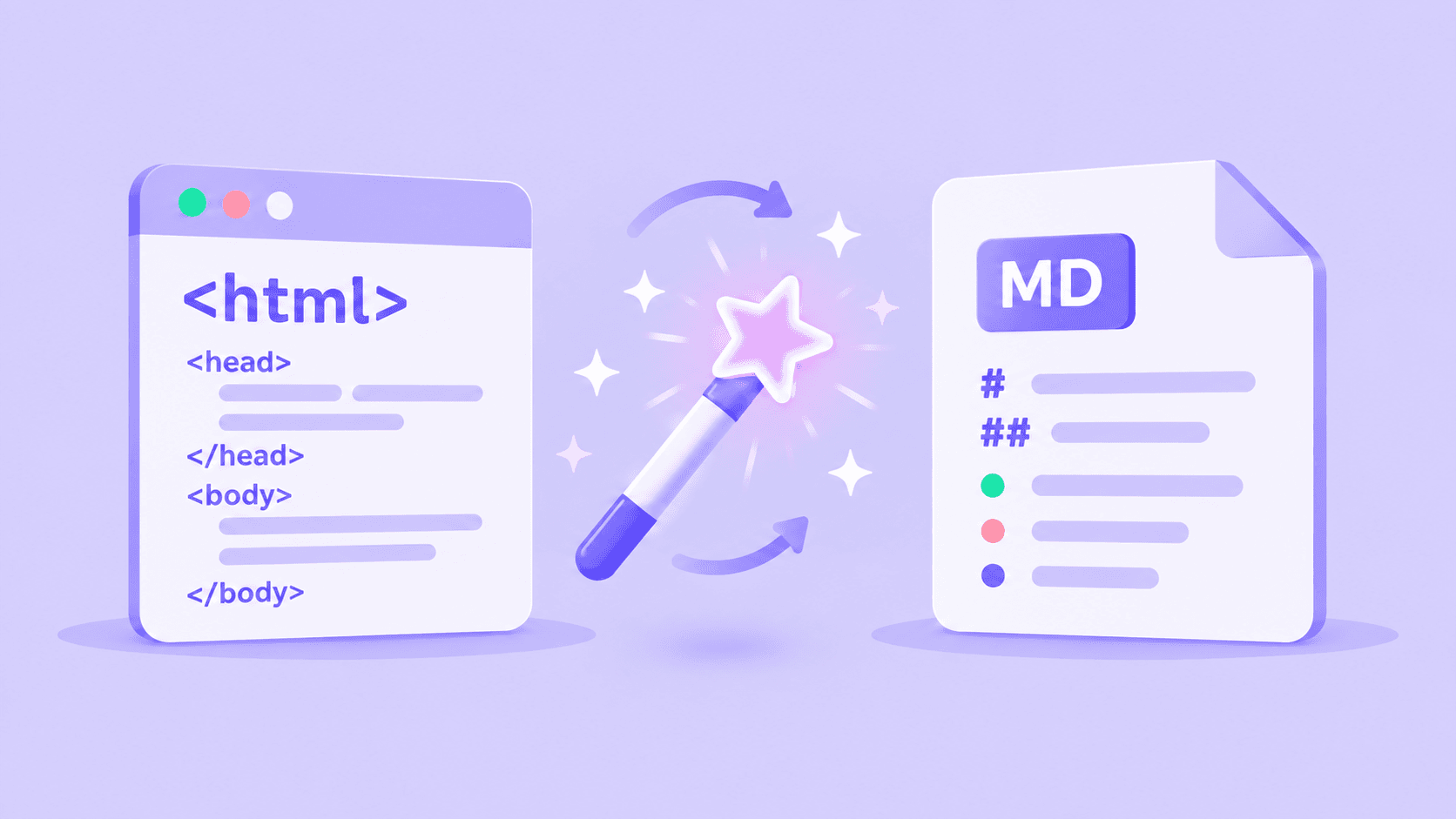
Today, we’re introducing a new Zyte API output that turns web pages directly into clean Markdown — ready for AI systems, retrieval pipelines and developer workflows.
Set "markdown": true in your request and Zyte API returns a plain Markdown string containing the page’s primary content, leaving behind site-wide navigation, headers, footers and other boilerplate.
It is the next step for pageContent, Zyte’s existing feature that extracts the main content of almost any web page as clean plain text. The new Markdown output uses that same detection method behind the scenes, but preserves useful document structure such as headings, lists, tables, links and images.
The new option comes with no separate charge; it's billed at the same rate as underlying Zyte API usage.
Why Markdown — and why now?
Raw HTML contains much more than the information an AI system needs. Tags, scripts, styles, navigation and repeated site furniture all consume tokens, increase processing costs and make downstream preparation harder.
Converting a page to plain text solves much of that problem by stripping a page back to its words. It is ideal when you only need unformatted, readable content.
But flattening everything into text also removes signals that help a machine understand how the document is organised. Markdown keeps the input lean while retaining lightweight semantics:
- Headings show the hierarchy of ideas.
- Lists preserve related items and sequences.
- Tables keep relationships between rows and columns.
- Links retain references and routes to supporting information.
- Images can keep their descriptions and source URLs.
That structure gives AI applications better material for chunking, retrieval and interpretation — without requiring them to process full-fat HTML first.
How it compares to industry alternatives
In our internal benchmark of 35 HTML-to-Markdown tools across 299 real production pages, Zyte’s method retained 95% of main content while removing 85% of unwanted page chrome such as navigation, footers and cookie notices. Among the 35 open-source and local tools tested, it achieved the highest recall of any dedicated extractor.
For AI, that can really tell. Zyte API’s Markdown averaged around 3,800 tokens per page, compared with more than 121,000 for the source HTML: a reduction of approximately 97%.
The result is faithful, compact Markdown that AI agents can read and act on immediately.
Zyte API’s "markdown": true can do this because it benefits from the same primary-content identification logic introduced earlier with the pageContent option.
By combining Zyte’s proven web extraction with high-quality Markdown conversion, the feature solves both sides of agentic web access: reliably reaching difficult pages and delivering their content in a form that is ready for answering questions, powering RAG workflows or keeping knowledge bases current.
You no longer need to ask developers to maintain CSS or XPath selectors. No separate HTML parser, content-cleaning library or conversion service is required in your pipeline.
How to extract a page as Markdown
The simplest request needs only a URL and the new markdown output.
1# Store your Zyte API key in an environment variable
2export ZYTE_API_KEY="YOUR_ZYTE_API_KEY"
3
4curl \
5  --user "$ZYTE_API_KEY:" \
6  --header 'Content-Type: application/json' \
7  --data '{
8    "url": "https://example.com/article",
9    "markdown": true
10  }' \
11  --compressed \
12 https://api.zyte.com/v1/extractThe response includes the Markdown as a top-level string:
1{
2  "url": "https://example.com/article",
3  "statusCode": 200,
4  "markdown": "# Example page headline\n\nFirst paragraph…\n\n## Key findings\n\n- Finding one\n- Finding two"
5}By default, Zyte API uses:
scope: "mainContent"to return the primary content rather than the whole page.extractFrom: "httpResponseBody"to work from the original HTTP response.
Use browser-rendered HTML
For a page whose important content is rendered in the browser, set extractFrom to browserHtml:
1curl \
2  --user "$ZYTE_API_KEY:" \
3  --header 'Content-Type: application/json' \
4  --data '{
5    "url": "https://example.com/dynamic-page",
6    "markdown": true,
7    "markdownOptions": {
8      "extractFrom": "browserHtml"
9    }
10  }' \
11  --compressed \
12 https://api.zyte.com/v1/extractThe Markdown is produced after any browser actions finish, so it can also capture content revealed by interactions in your request.
Return the full page
Sometimes the surrounding navigation, footer or other page regions are part of the data you need. Set the scope to fullPage to convert the whole document instead:
1{
2  "url": "https://example.com/article",
3  "markdown": true,
4  "markdownOptions": {
5    "scope": "fullPage"
6  }
7}Use mainContent for focused, token-efficient input. Use fullPage when completeness matters more than removing page furniture.
Combine Markdown with structured page information
You can request markdown and pageContent together:
1{
2  "url": "https://example.com/article",
3  "markdown": true,
4  "pageContent": true
5}This returns the main body as Markdown alongside pageContent fields such as the headline, breadcrumbs, header and footer navigation, pagination and next-page link. Zyte API analyses the page once and produces both outputs from the same pass.
This combination is useful when an AI system should read the article body while your application handles navigation or crawl orchestration as structured data.
Use it from Python
1import os
2import requests
3
4response = requests.post(
5    "https://api.zyte.com/v1/extract",
6    auth=(os.environ["ZYTE_API_KEY"], ""),
7    json={
8        "url": "https://example.com/article",
9        "markdown": True,
10        "markdownOptions": {
11            "scope": "mainContent"
12        }
13    },
14)
15response.raise_for_status()
16
17markdown = response.json()["markdown"]
18print(markdown)From there, the result can go directly into a document store, vectorisation and chunking workflow, model-training dataset, prompt context or agent tool response.
Get Markdown through Zyte MCP
This same Markdown output powers the /fetch capability in Zyte’s MCP server. Instead of writing an API request, connect an MCP-compatible agent to Zyte’s hosted server:
1https://mcp.zyte.com/v1/mcpThen ask for the outcome in natural language:
“Fetch https://example.com/article and return the main content as Markdown.”
The agent can call Zyte MCP’s fetch tool to retrieve the page through Zyte’s web-access infrastructure and return clean Markdown directly in the conversation. This is particularly useful when the agent’s built-in fetcher cannot access a protected or JavaScript-heavy page, or returns noisy HTML instead.
Who benefits?
AI and machine-learning teams
Prepare cleaner training and fine-tuning datasets while retaining document hierarchy. Markdown gives models more structural context than flat text without the overhead of HTML.
RAG and knowledge-platform developers
Feed retrieval systems focused content with headings, lists, tables and links intact. Cleaner source documents can make chunking more predictable and retrieved passages easier to interpret.
AI agent builders
Give agents compact, readable web content they can reason over and navigate. Combined with Zyte API’s web access capabilities, Markdown output is particularly useful when an agent’s built-in fetch tool cannot reliably reach or clean a page.
Data engineers
Remove a chain of custom steps from ingestion pipelines. Zyte API can handle access, main-content detection and Markdown conversion in one request, reducing parser maintenance and integration work.
Content intelligence and monitoring teams
Archive, compare, classify, summarise or translate web content in a consistent format — even when source sites use very different page templates.
What can you build with it?
- Training and fine-tuning corpora assembled from web content
- RAG indexes and continuously updated knowledge bases
- Research and coding agents that need dependable web context
- Content-monitoring, classification and summarisation pipelines
- Documentation ingestion and migration workflows
- Competitive, market and product-intelligence systems
- Lean web archives that preserve structure without storing noisy HTML