
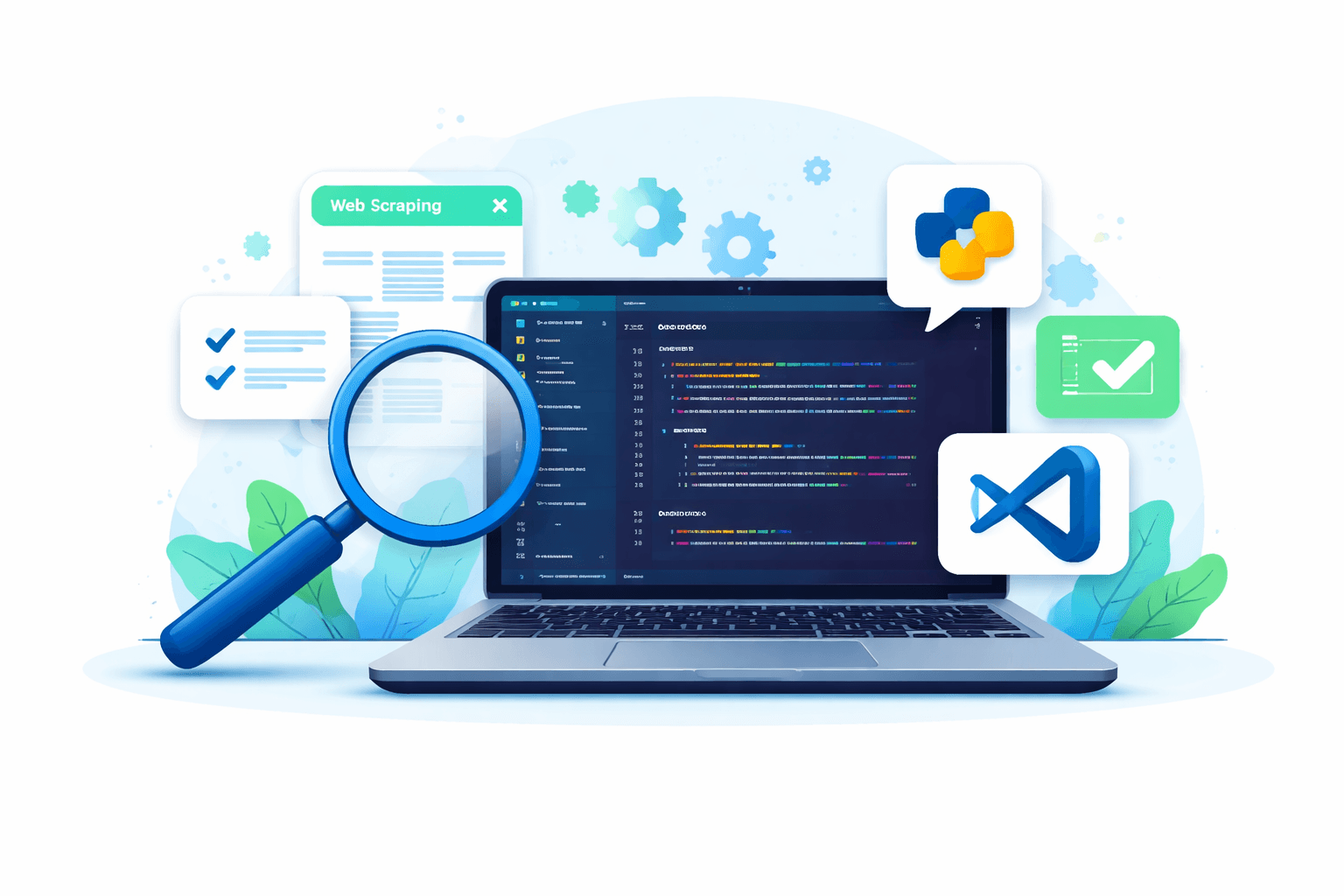
For years, building web scrapers was a fragmented process. Developers moved between browser developer tools, standalone scripts, debugging utilities, and infrastructure services just to extract data from a single website.
Increasingly, that workflow is coming together inside the integrated development environment (IDE). As scraping projects become more complex, and as AI-assisted development tools mature, developers are beginning to build, test, and maintain scrapers directly inside environments like Visual Studio Code.
This shift is changing how web scraping development works.
The fragmented traditional scraping workflow
Historically, building a web scraper required juggling multiple tools.
A typical process often looked something like this:
Inspect the target website in browser developer tools.
Write extraction scripts in a code editor.
Test selectors manually against page responses.
Run scripts repeatedly while debugging extraction logic.
Iterate through trial and error until the scraper works.
Each step typically happened in a different environment. Developers might inspect the page in the browser, switch to their editor to write code, return to the browser to test selectors, and then run scripts again to see whether the extraction worked or not.
This approach works for small projects, but it becomes increasingly difficult to manage as scraping systems grow more complex.
Modern scraping requirements are more complex
Many scraping tutorials still focus on short scripts that extract data from a single page. In practice, production scraping systems often require much more.
Developers frequently need to handle:
Pagination across large sites.
Dynamic or JavaScript-rendered content.
Anti-bot defenses and blocking.
Structured data pipelines.
Long-term maintenance as websites evolve and layouts change.
As a result, scraping projects are increasingly treated like traditional software systems, with structured codebases, repeatable workflows, and maintainable architectures.
Once scraping reaches that level of complexity, development workflows become just as important as the extraction code itself.
Why the IDE is becoming the center of scraping development
Integrated development environments already sit at the center of modern software engineering.
Suggest: [Stats on use of IDEs like Visual Studio Code, inc flexibility and extension ecosystem].
Suggest: Code editors are not just for editing code anymore (integrated terminal, see results etc).
Suggest: Today, it’s in the IDE that workflows are being accelerated. [Check Stack Overflow 2025 Developer Survey (AI section) / DORA State of AI-Assisted Software Development report for any stats showing use of AI in the IDE].
It’s natural that scraping development is moving in the same direction.
Working inside an IDE allows developers to:
Structure scraping projects more effectively.
Iterate on parsing logic quickly.
Debug extraction results during development.
Manage dependencies and environments.
Collaborate through version control.
.
At least, that’s the theory. Until recently, the IDE experience for web scraping developers was still incomplete.
The tooling gap in scraping development
While VS Code offers thousands of extensions for general software development, the ecosystem has historically lacked tools designed specifically for web scraping workflows.
Developers could install extensions for:
Python development.
HTTP requests and API testing.
HTML and JSON inspection.
But the core tasks of scraping — generating parsing logic, validating selectors, structuring spiders, and testing extraction — typically required manual work.
As a result, much of the scraping workflow remained fragmented even inside the IDE. In other words, data engineers have been missing out.
AI-assisted scraping workflows are changing that
New tools are beginning to close this gap by bringing scraping-specific capabilities directly into the place where developers are doing their work, the development environment.
Extensions such as Zyte’s own Web Scraping Copilot help support common scraping tasks right inside the IDE, including:
Generating parsing logic automatically.
Structuring maintainable Scrapy projects.
Validating extracted data.
Iterating on scraping logic during development.
These tools don’t replace developer control over scraping code. Instead, they help accelerate the repetitive parts of the workflow while keeping the underlying scraping architecture transparent and maintainable.
A modern workflow for building web scrapers
As tooling improves, the development process for scraping is becoming more structured.
A modern scraping workflow often looks like this:
Inspect the target website and identify the required data
Define a schema for the fields that should be extracted
Generate or write parsing logic
Validate extraction results during development
Implement crawling and pagination logic
Run and test the spider locally
Deploy the scraper for production use
More of this workflow can now happen inside the IDE rather than across multiple disconnected tools.
Scraping development will keep evolving
Web scraping itself isn’t new, but the way developers build scraping systems continues to evolve.
As tooling improves, developers are increasingly adopting workflows that resemble traditional software engineering practices — with structured projects, repeatable testing, and better development tools.
AI-assisted development tools will likely continue to play a role in this shift, helping developers move faster while maintaining control over their scraping code.
And as more of the scraping workflow moves into the IDE, development environments like VS Code are becoming the natural home for building and maintaining web scrapers.
Exploring IDE-based scraping workflows
If you’re interested in building web scrapers inside Visual Studio Code, these guides explore the workflow in more detail:
Together, these guides outline a practical workflow for building and maintaining scraping systems inside the IDE.


.png&w=3840&q=75)