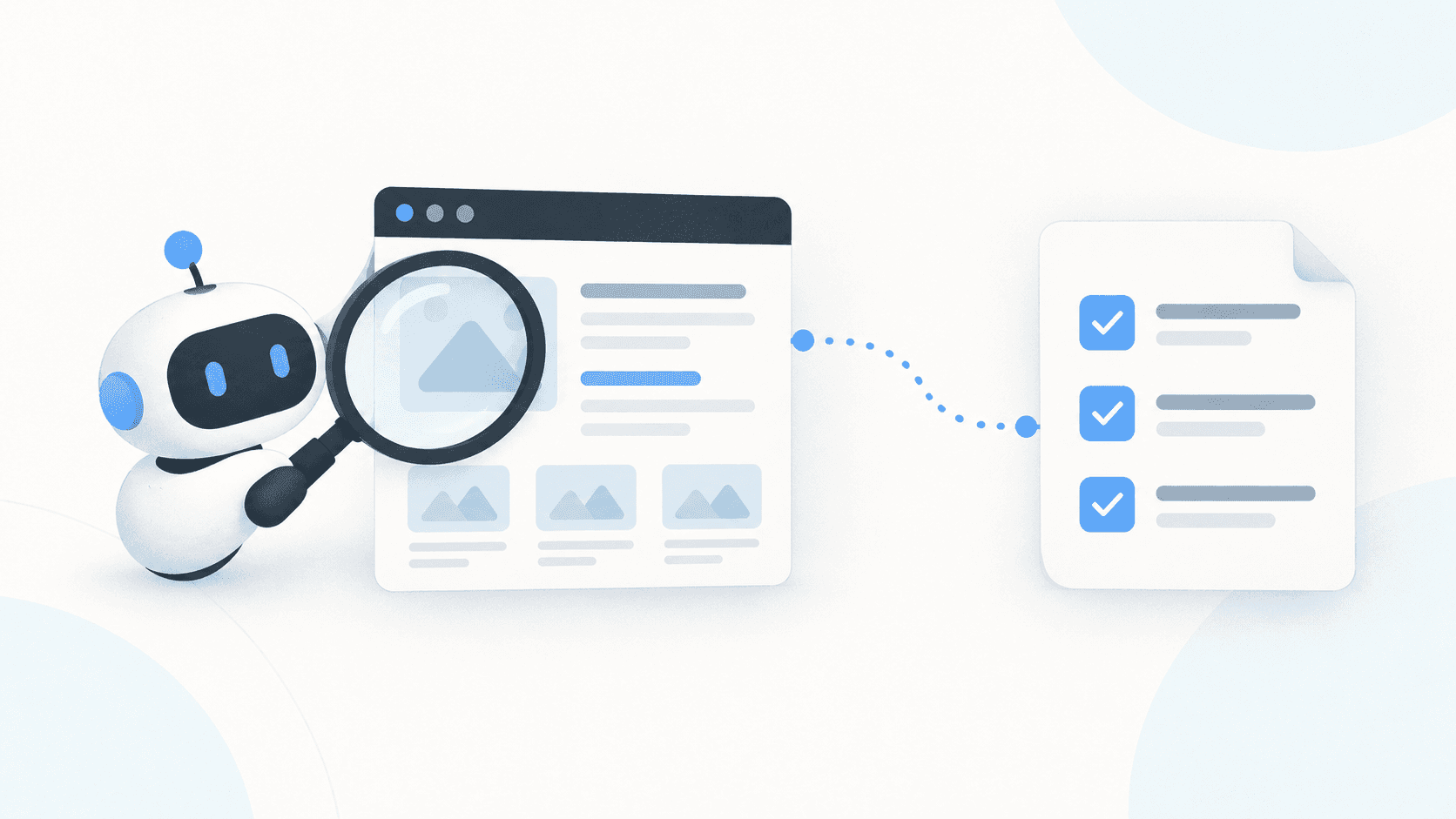
A lot of the work in web scraping happens before you write the scraper, because you need to understand where the data lives, how the site exposes it, and which requests will return everything you need without doing unnecessary work.
That's where Zyte MCP has been most useful for me. It gives my AI agent access to websites through Zyte's tools, so I can ask it to investigate a site and help me decide how to scrape it efficiently. My starting point is usually simple: "I want this data from this site. What's the best way to get it?"
To answer that properly, the agent has to inspect the actual website, and if it gets blocked, sees a challenge page, or can't reach content loaded by JavaScript, its picture of the site is incomplete from the start. Zyte MCP gives it Zyte's fetching, browser rendering, and extraction tools, so it can retrieve pages and look at the data behind them, including on sites where a basic HTTP request isn't enough. The conversation then gets practical: the agent examines what's there, tries an approach, and brings back evidence I can work with.
The first thing I want to establish is where the data should come from. A rendered product page is the obvious place, but the same information could be in the HTML or come from an API the site uses, a sitemap might give me a straightforward way to discover product URLs, and category pages might let me narrow the crawl to the part of the catalogue I actually want. Those choices affect both the implementation and the cost of running it, since rendering every page is wasteful if a simpler request returns what I need, and so is crawling the whole site when I only want one category. I use the agent to explore these options before deciding what to build, and it can also check up front whether Zyte API supports the domain and what an HTTP request and a browser request cost there, so the gap between the two is something I can weigh each option against.

Efficiency has to be measured against the data requirements, though, because a cheaper request is only useful if it returns what the job needs. That's why I ask for sample records and comparisons as part of the investigation. If the agent finds a promising API, I want to know how its response compares with the page: does it contain all the required fields, are some details coming from another request, and would choosing that route leave a gap in the dataset?
The accompanying video shows why this matters. On one site, an API provides a useful route to product information, but comparing it with the rendered page reveals missing fields, including UPC, weights, and dimensions. That finding changes the requirements for the crawl. Without the comparison, it would be easy to build a scraper that successfully collects records while leaving out information I need.
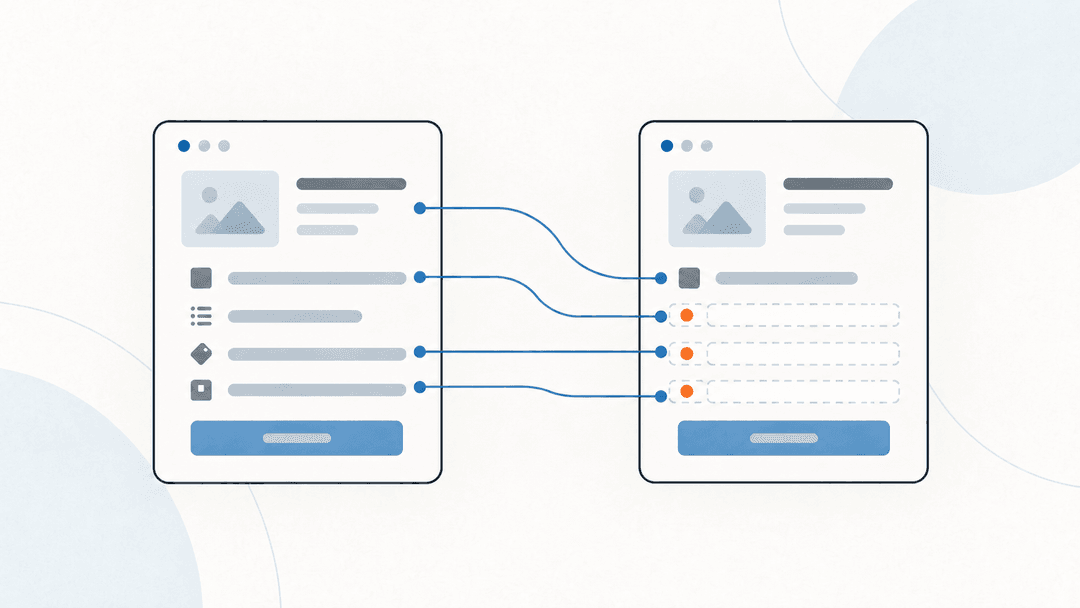
These checks also make the trade-offs explicit. Sometimes the API response is enough, sometimes the missing fields justify an additional request, and sometimes I only need the extra detail for a subset of products, and having the agent retrieve examples and investigate the differences gives me a better basis for that decision.
I've been capturing this process in a crawl strategy skill of my own, and I'd encourage you to build yours as you go. Each time a check proves useful on a site, add it: look for sitemaps, investigate alternative data sources, retrieve samples, and compare field coverage before recommending an approach. That carries experience from one investigation into the next and gives the agent a repeatable process while still letting it adapt to the site and the data you're after. It also makes it easier to revisit assumptions when a first attempt fails or a sample turns up something unexpected.
The output I want is a crawl plan I can act on: how to discover the relevant records, which requests to make, what fields they return, and where additional checks or requests are needed. From there I can build a Scrapy spider or another scraper suited to the task, and because the investigation happened in the same conversation, the agent already has the context behind those decisions. If I'm moving the work elsewhere, I can ask it to write down the strategy and requirements.
That's where MCP fits my workflow most naturally. I use it to explore, sample, and understand a site before committing to the code that will collect data at scale. It doesn't write the spider for me, since the parse() method and the pagination are still mine to build, and what it replaces is the manual work that used to come first: opening the site in a browser, poking at it to see what breaks, and reading through raw HTML for the fields I need.
To try it, start with a site and the fields you need, then ask your agent to investigate the available routes, return a sample, and check what the recommended approach might miss. Setup instructions are in the Zyte MCP documentation.