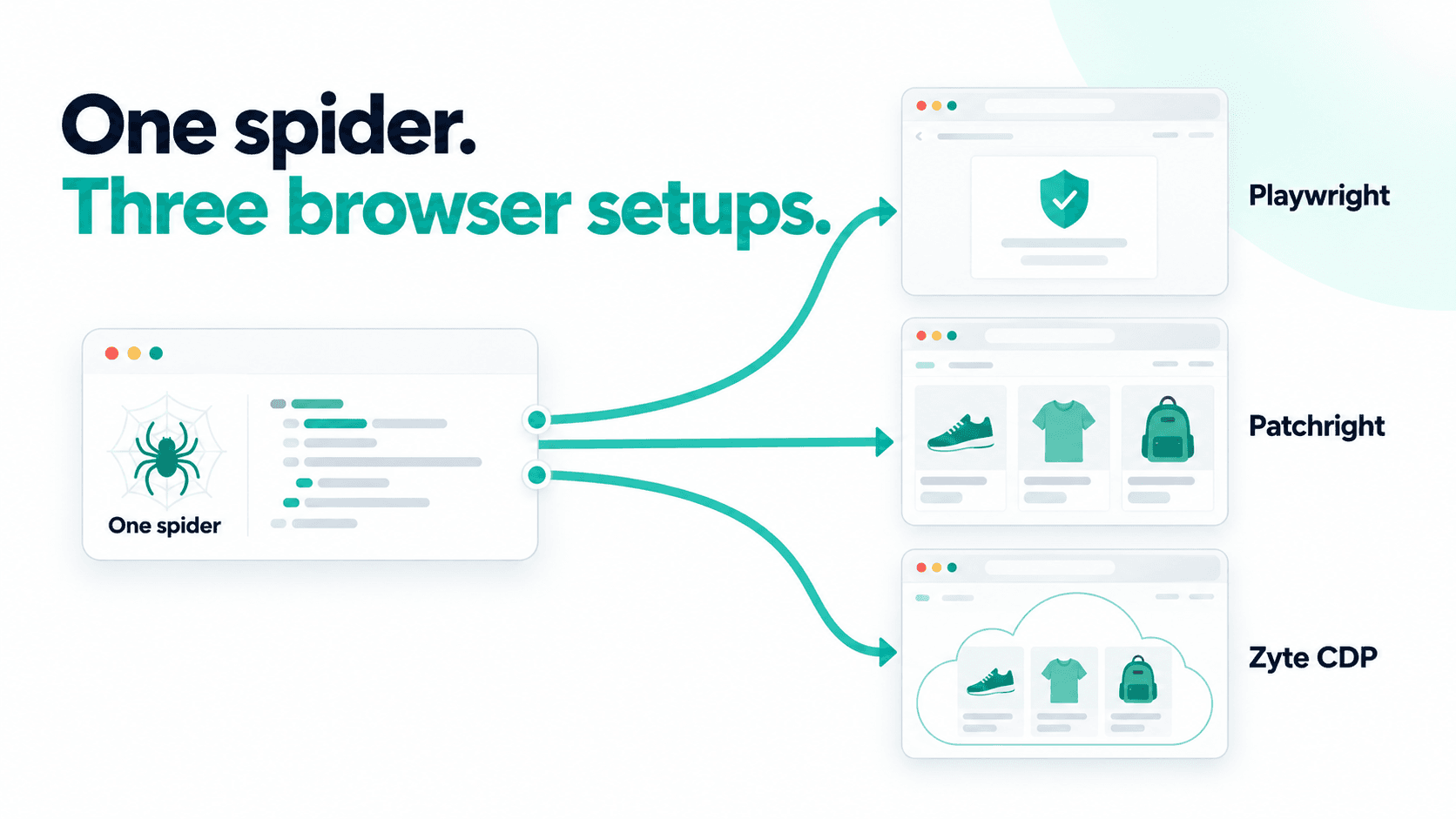
I wanted to see how much difference the browser makes when the spider stays the same. So I ran one scrapy-playwright spider against a test catalogue I'd built to challenge automated browsers, changing only the browser underneath, first stock Playwright, then the stealthier Patchright, and finally a remote browser on Zyte connected over CDP.
Stock Playwright reached a challenge page. Patchright and Zyte returned products. Here's how I configured each setup, and what this small test does, and doesn't, tell us.
The shared scrapy-playwright setup
Every scrapy-playwright setup starts the same way, in settings.py:
1DOWNLOAD_HANDLERS = {
2    "http": "scrapy_playwright.handler.ScrapyPlaywrightDownloadHandler",
3    "https": "scrapy_playwright.handler.ScrapyPlaywrightDownloadHandler",
4}
5TWISTED_REACTOR = "twisted.internet.asyncioreactor.AsyncioSelectorReactor"That wires Playwright into Scrapy's download machinery, but it doesn't send every request through a browser. You opt in per-request:
1async def start(self):
2    yield scrapy.Request(
3        "https://auto.hylnd7.com/",
4        meta={"playwright": True, "playwright_include_page": True},
5        errback=self.failed,
6 )playwright_include_page hands you the live Playwright Page object in the callback. That matters more than it looks. The response Scrapy gives you is a snapshot taken once, and it won't update as the page keeps running JavaScript. If you need to wait on something, wait on the page, not the response.
I built the test catalogue myself, specifically to challenge automated browsers. It's not a stand-in for a typical e-commerce site, and the results below are what happened against one page I deliberately hardened, not a general ranking of these browsers.
I also ran every stage headful (PLAYWRIGHT_LAUNCH_OPTIONS = {"headless": False}, under xvfb-run on a headless server), since headless mode is one of the easiest things for a site to detect. The spider and selectors below stay identical across all three stages; only the browser setup changes.
Stage one: Playwright's local browser (the default)
Nothing extra to configure. PLAYWRIGHT_BROWSER_TYPE = "chromium" and Playwright launches a Chromium binary on the machine running Scrapy:
1PLAYWRIGHT_BROWSER_TYPE = "chromium"
2PLAYWRIGHT_LAUNCH_OPTIONS = {"headless": False}In the callback, we wait for the content we actually need, then hand the rendered HTML back to ordinary Scrapy selectors:
1async def parse(self, response):
2    page = response.meta["playwright_page"]
3    try:
4        await page.wait_for_selector(".product-card", timeout=20000)
5    except PlaywrightTimeoutError:
6        self.logger.warning("No product cards appeared; saving the browser result")
7    html = await page.content()
8    rendered = scrapy.http.HtmlResponse(url=page.url, body=html.encode(), encoding="utf-8")
9    for card in rendered.css(".product-card")[:5]:
10        ...
11 await page.close()The upside is that there's nothing to set up. No account, no extra service, no network hop to another provider. You install a browser binary and go, which is exactly why it's still the default.
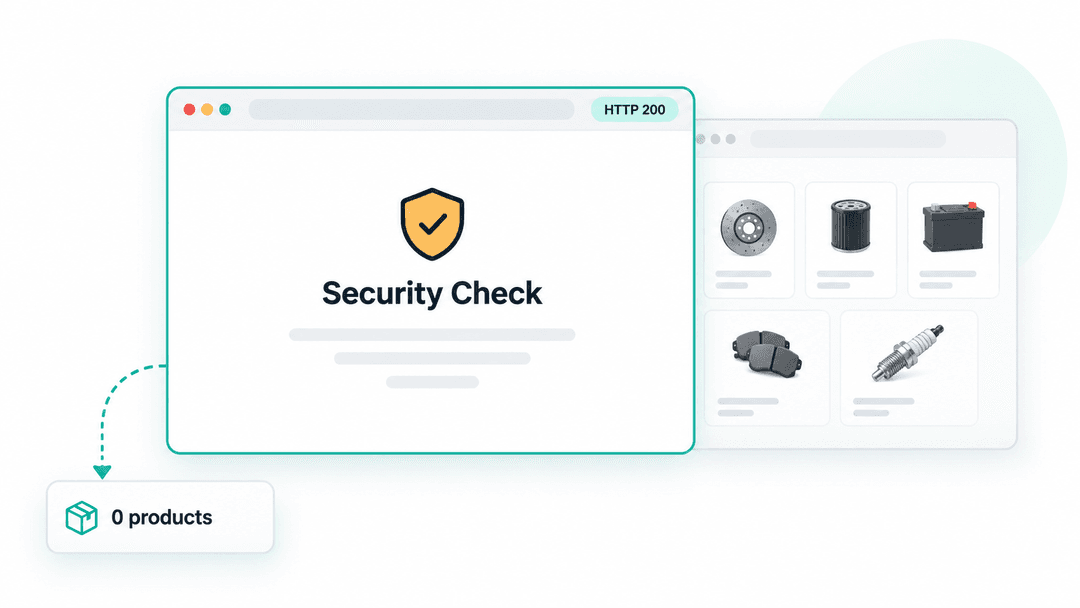
The downside is that even running headful, a stock Chromium driven by Playwright still has a fingerprint, and this test catalogue checks for it. Here's what came back:
1{
2  "outcome": "no_products",
3  "count": 0,
4  "title": "Security Check",
5  "url": "https://auto.hylnd7.com/"
6}Zero products. The browser reached the site, Playwright didn't error, and Scrapy happily returned a 200, but the page it rendered was a challenge screen, not the catalogue. This is the trap with browser scraping. An empty result and a blocked result look identical unless you actually inspect what loaded. That's why the spider saves a screenshot on every run: trust the pixels, not the exit code. Running headful wasn't enough on its own here.
Stage two: swap the browser with PLAYWRIGHT_BROWSER_PROVIDER
This is the new part. scrapy-playwright added a pluggable provider interface, and its docs now ship example classes for two popular open-source stealth browsers: Patchright (a patched Chromium that removes Playwright's automation tells) and Camoufox (a hardened Firefox build with the same goal). I only ran Patchright for this test; Camoufox is worth trying against your own targets with the same hook. I wrote more about why that interface matters, and what it opens up for scrapy-playwright users, in The missing middle ground in scrapy-playwright just got filled.
Add a small provider class to your project:
1# browser_demo/providers.py
2from contextlib import AsyncExitStack
3
4class PatchrightProvider:
5    """Local Chromium provider, following scrapy-playwright's documented example."""
6
7    def __init__(self, config):
8        self.config = config
9        self.stack = AsyncExitStack()
10
11    async def start(self):
12        from patchright.async_api import async_playwright
13        driver = await self.stack.enter_async_context(async_playwright())
14        self.browser_type = driver.chromium
15
16    async def launch_browser(self):
17        return await self.browser_type.launch(**self.config.launch_options)
18
19    async def close(self):
20 await self.stack.aclose()And one settings line switches to it:
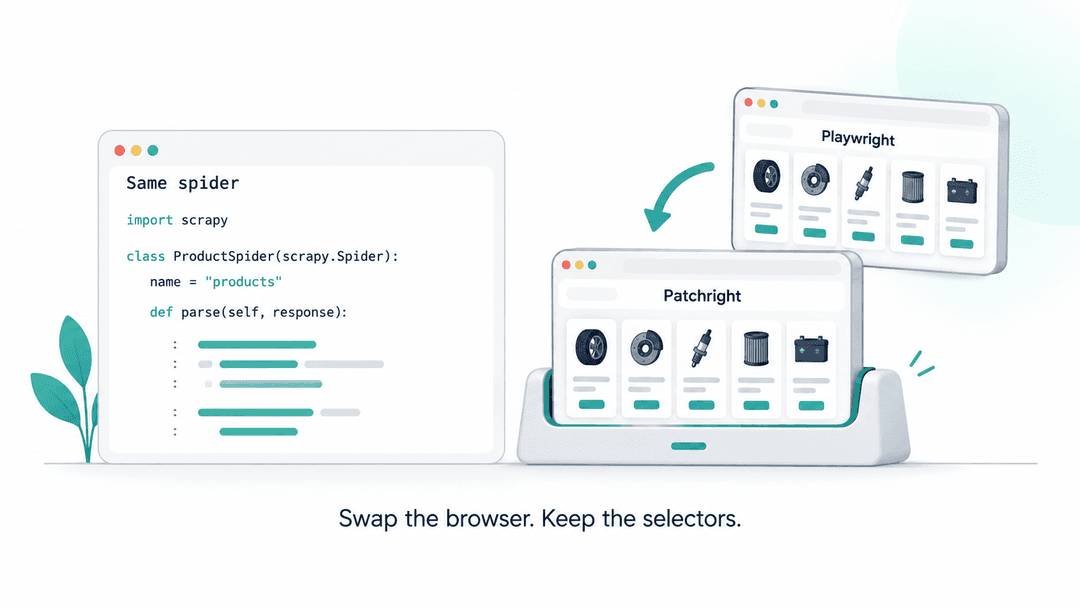
1PLAYWRIGHT_BROWSER_PROVIDER = "browser_demo.providers.PatchrightProvider"The spider, the selectors, and the wait_for_selector call don't change. You can change browsers without changing your parsing code. Same headful setting as stage one, same spider. Here's what came back:
1{
2  "outcome": "success",
3  "count": 5,
4  "title": "Home - Auto Parts Demo Store",
5  "url": "https://auto.hylnd7.com/"
6}Five products. Patchright got through this test. I still had to run the browser, install its dependencies, and supply the network connection myself.
Stage three: connect to a browser on Zyte over CDP
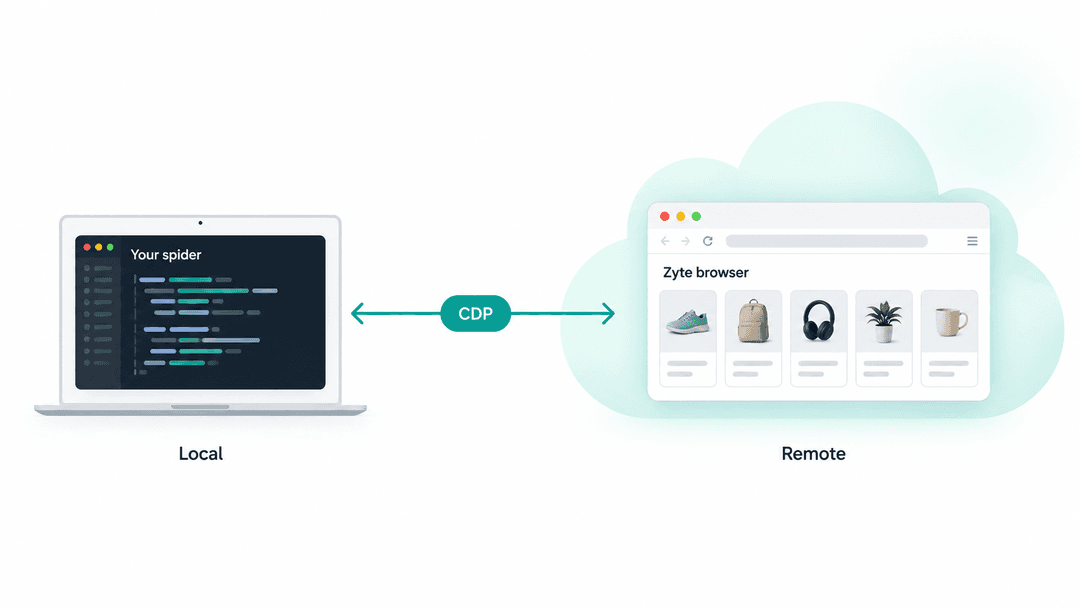
CDP is the Chrome DevTools Protocol, the same protocol Playwright already speaks to control a browser. The difference here is where that browser is running. Instead of launching one, you connect to one that's already alive on Zyte's infrastructure, and you don't need a custom PLAYWRIGHT_BROWSER_PROVIDER class to do it. The default provider that scrapy-playwright ships with already knows how to connect over CDP, so it's two settings:
1from w3lib.http import basic_auth_header
2
3PLAYWRIGHT_LAUNCH_OPTIONS = {}   # nothing to launch, the browser already exists
4PLAYWRIGHT_CDP_URL = "https://browser.zyte.com/?ttl=60"
5PLAYWRIGHT_CDP_KWARGS = {
6    "headers": {"Authorization": basic_auth_header(key, "").decode("ascii")}
7}Authentication is Basic auth with your Zyte API key as the username and an empty password. The ttl query parameter bounds how long the remote session stays reserved, so set it to whatever your crawl actually needs. When PLAYWRIGHT_CDP_URL is set, the default provider's launch_browser() calls Playwright's own browser_type.connect_over_cdp() instead of launching a local binary, without adding a hosted service beyond Zyte itself.
Zyte returned five products too:
1{
2  "outcome": "success",
3  "count": 5,
4  "title": "Home - Auto Parts Demo Store",
5  "url": "https://auto.hylnd7.com/"
6}Real catalogue title, no challenge page, the same result as headful Patchright. Zyte's infrastructure handles the browser fingerprint, session behavior, and proxy routing on its side.
One detail worth keeping if you go this route: closing the page normally only disconnects Playwright's client from the remote browser, it doesn't end the session. To actually close it, send the CDP command directly:
1async def cleanup(self, page):
2    if self.settings.get("STAGE") == "zyte":
3        session = await page.context.browser.new_browser_cdp_session()
4        await session.send("Browser.close")
5    else:
6 await page.close()Also turn off automatic restarts, so a deliberate close doesn't just spin up another remote browser behind your back:
1PLAYWRIGHT_RESTART_DISCONNECTED_BROWSER = FalseThe browser fingerprint, session handling, and proxy management become Zyte's problem instead of mine, and no browser binary to install or launch option to tune. The catch is that it's a paid, external dependency with an account and business verification requirement, and this comparison changed more than one variable at once: the browser and the network location both moved. So it isn't proof that CDP alone is what got past the check.
A cost that doesn't show up in these numbers: running several contexts at once
Everything above ran one page at a time. I also tried scraping the whole catalogue instead of just the featured five, which meant opening several browser contexts concurrently to speed it up. One context at a time was fine; a handful running together locked up hard enough that I had to kill the process, no errors or timeouts, just stuck.
This isn't the first time I've run into this. Running a real browser, headful, with several contexts going at once on a server, tends to surface exactly this kind of resource contention, whether that's rendering, memory, or something lower in the stack, and it rarely shows up until you actually push concurrency. It's the part of "just run more browsers" that's easy to underestimate.
This is specifically a local-browser problem, not a Zyte CDP one. Zyte's browser infrastructure is built to take as many concurrent connections as you throw at it; the contention above comes from cramming multiple contexts onto one machine, which is exactly the part of the job CDP hands off to Zyte instead.
Takeaway
On this test catalogue, stock Playwright reached a challenge page, while Patchright and Zyte returned five products each. The spider and selectors stayed the same across all three runs.
The provider hook makes it easier to try another local browser, Patchright or Camoufox, without touching your extraction code. Connecting over CDP lets you move the browser to Zyte, with the cost and account requirements that brings. These results come from one target I built myself, but the useful part is how little extraction code had to change: none.
The concurrency hang above is the part I'd weigh most heavily if I were deciding between these options for anything beyond a single-page test. Running your own browser is easy to demo and harder to operate at load.
If you want the fuller case for the Zyte CDP browser, including raw CDP commands and giving agents browser access, I covered that in Running Playwright at scale: connecting to the Zyte CDP browser.